How to run a round, an outing, a league or a club.
Step by step, with the screens you'll use for a Saturday round, an outing, a league or your club's events.
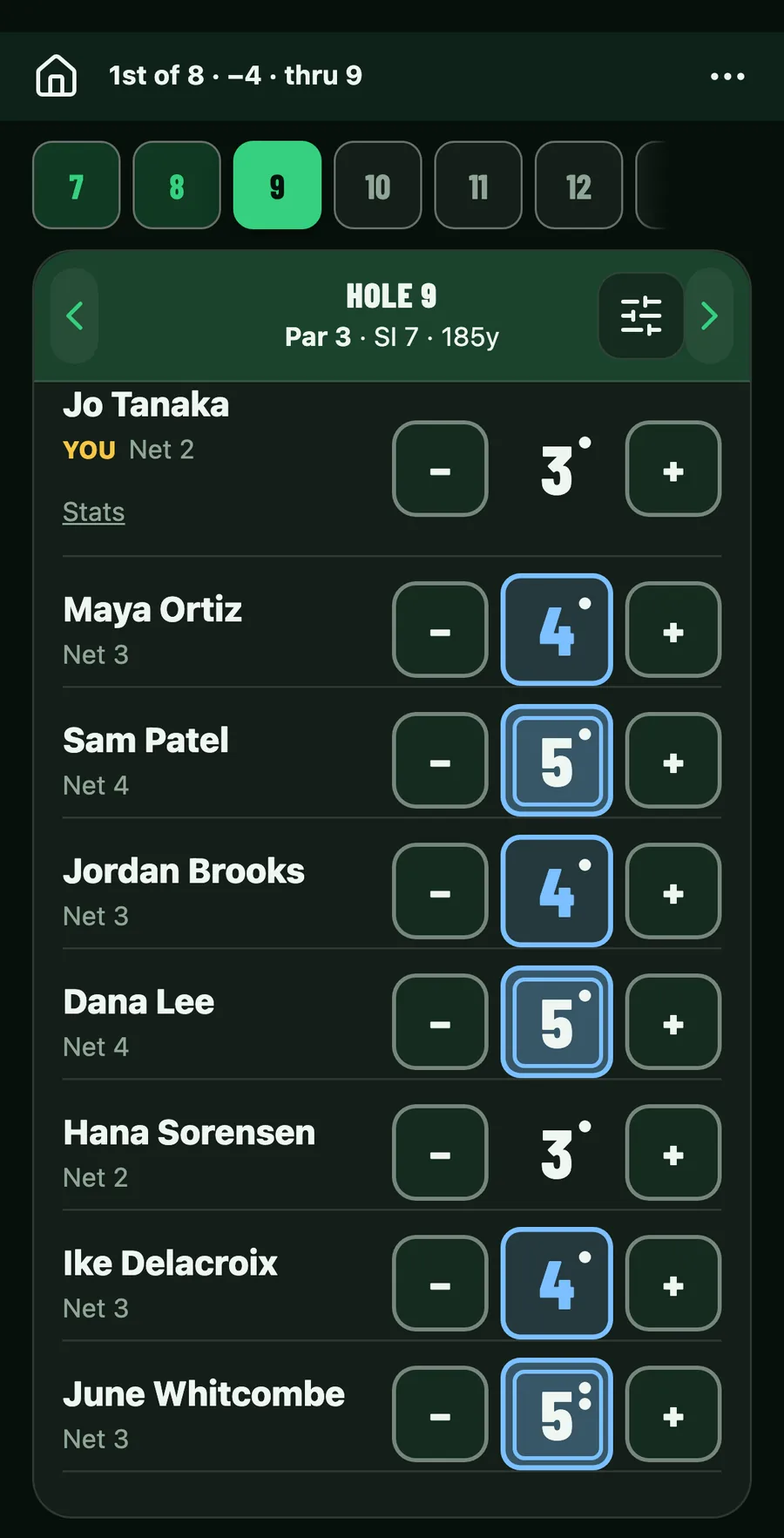
Friend groups
Host a round
Send an invite to each player, and every score lands on one leaderboard as it happens.
- Start the round
- Invite each player
- Score as you play
- Close and share
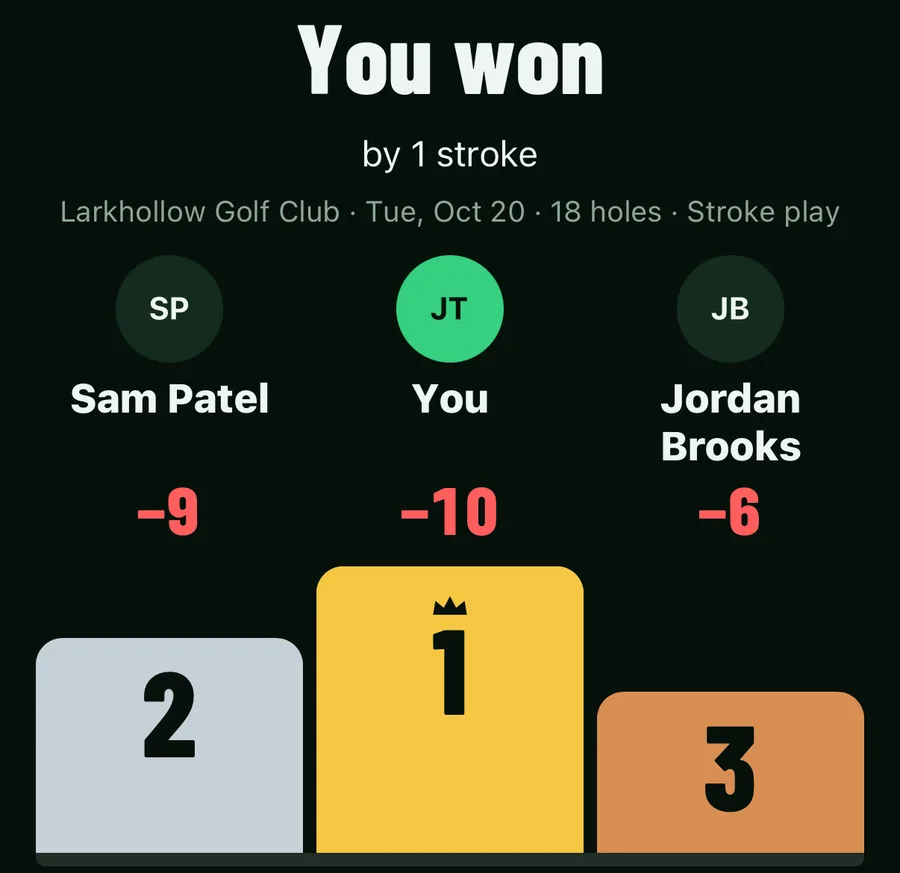
Outings
Run an outing
Invite the field, set the teams, put the leaderboard on the clubhouse TV and share the result.
- Invite the field
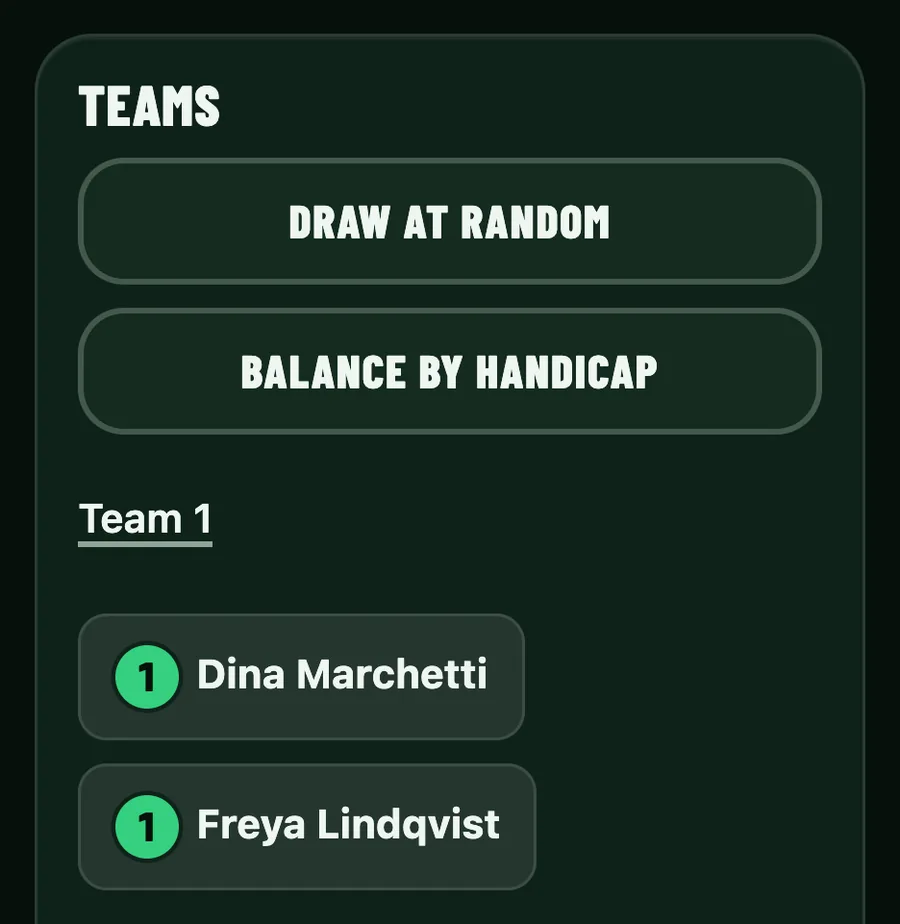
- Set the teams
- Put the leaderboard on the TV
- Share the result
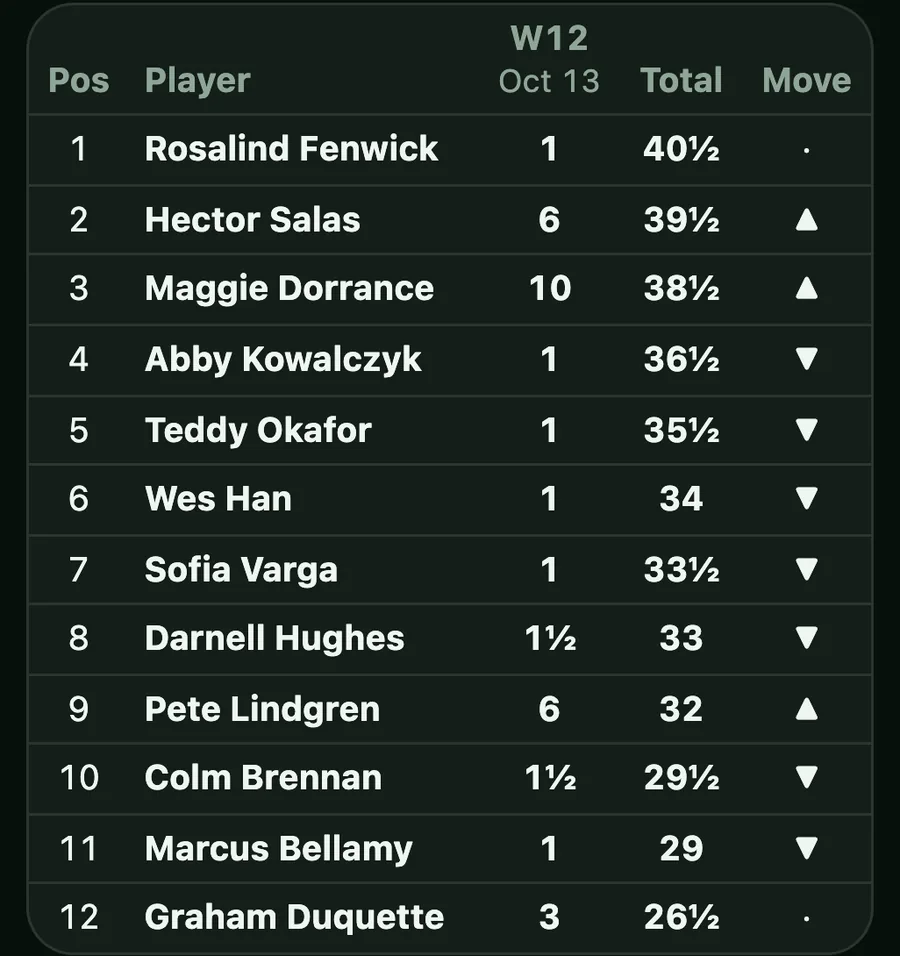
Leagues
Run a league
Rounds on a schedule you set, and standings after each one.
- Set the schedule
- Invite the players
- Standings after every round
- How the standings count
Clubs
Bring GoodSpeed to your club
Member events under the club's name, staff who can run them, and a page for your club.
- Your club's page
- Member events
- Staff who run them
- The club plan