
The four steps a host follows: start the round, invite each player, score as you play, then close it and share the result.
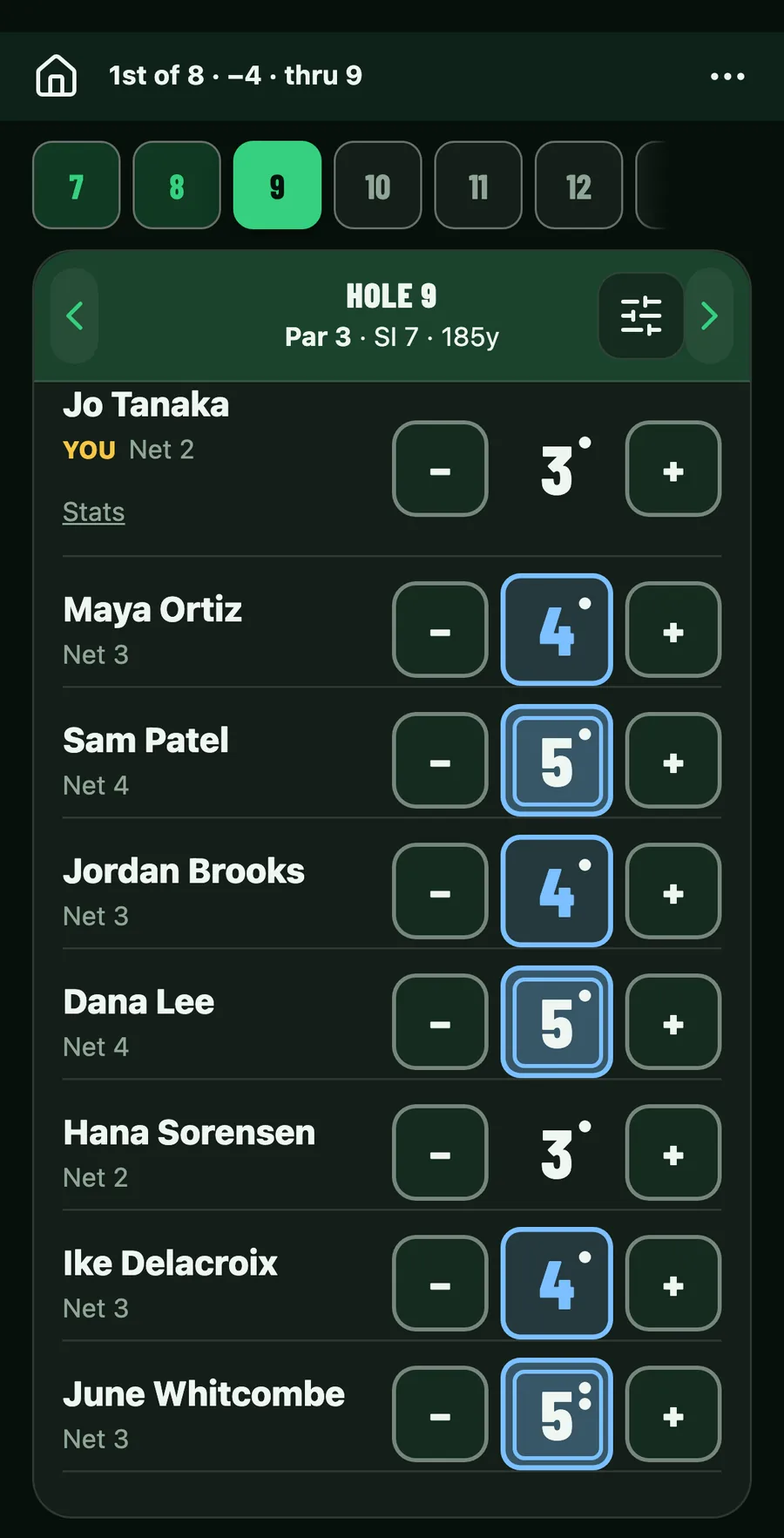
Step 1
Start the round
Tap New, then Round. Pick the course, add the players and choose the game.
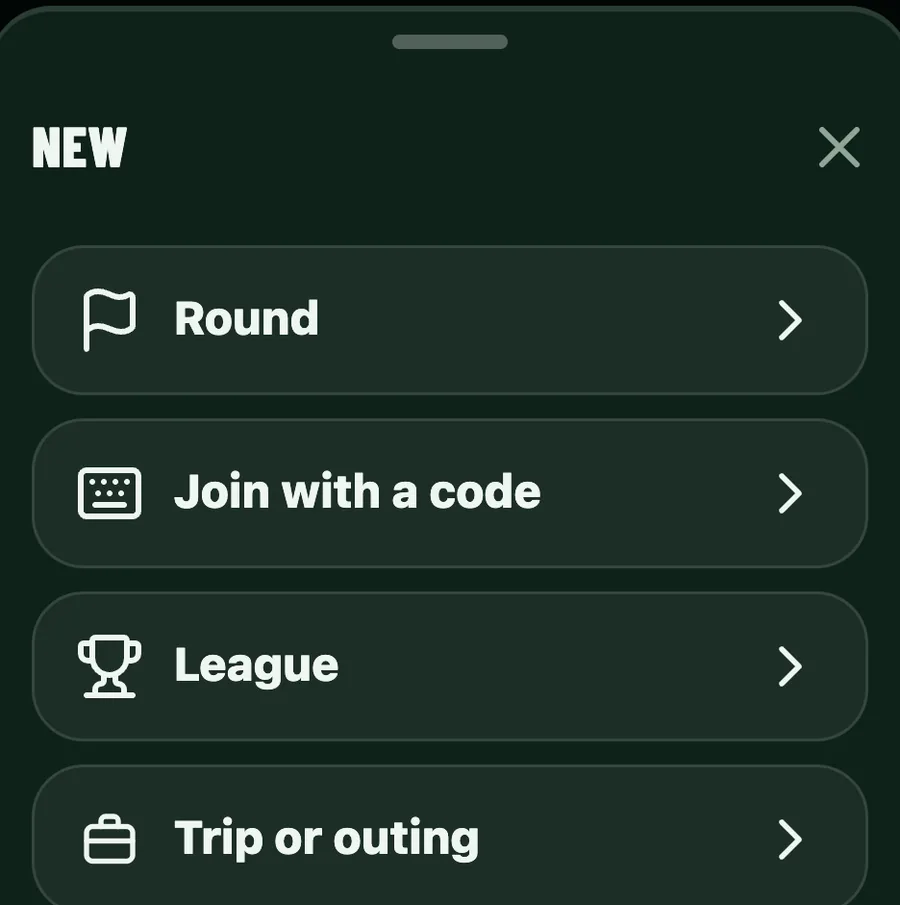
Step 2
Invite each player
Send an invite to each player. They tap their own link and they're in the round.
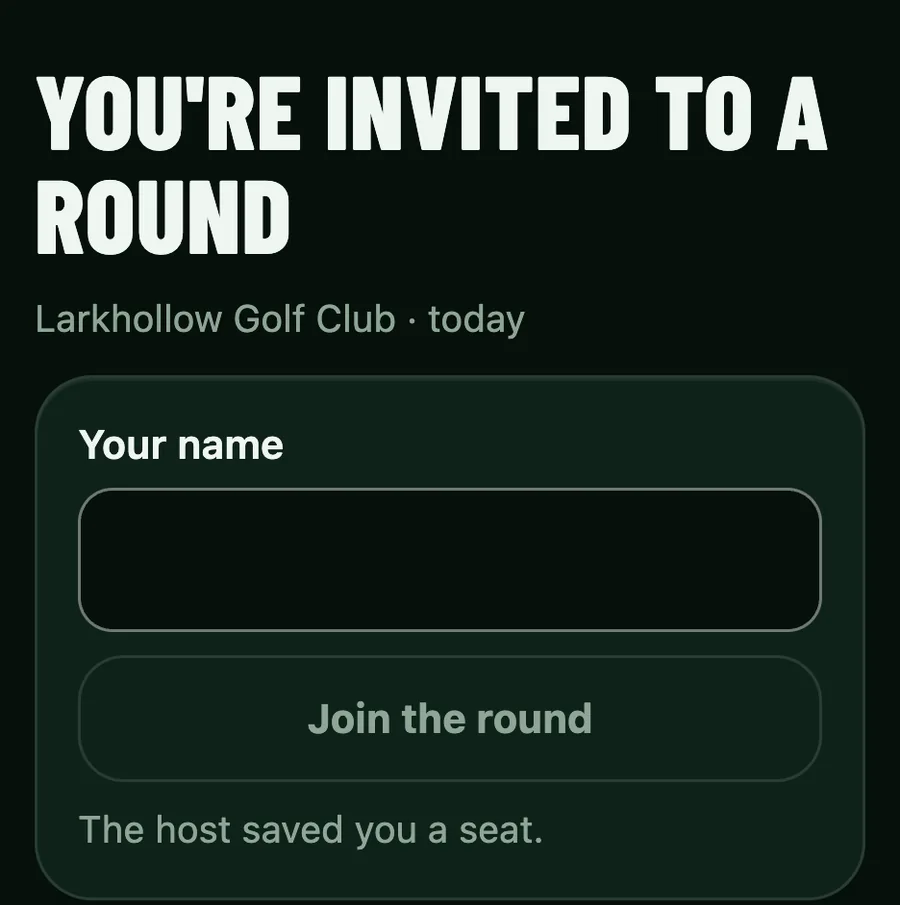
Step 3
Score as you play
Score on your phone, one hole at a time, and the leaderboard moves for everyone after every score.
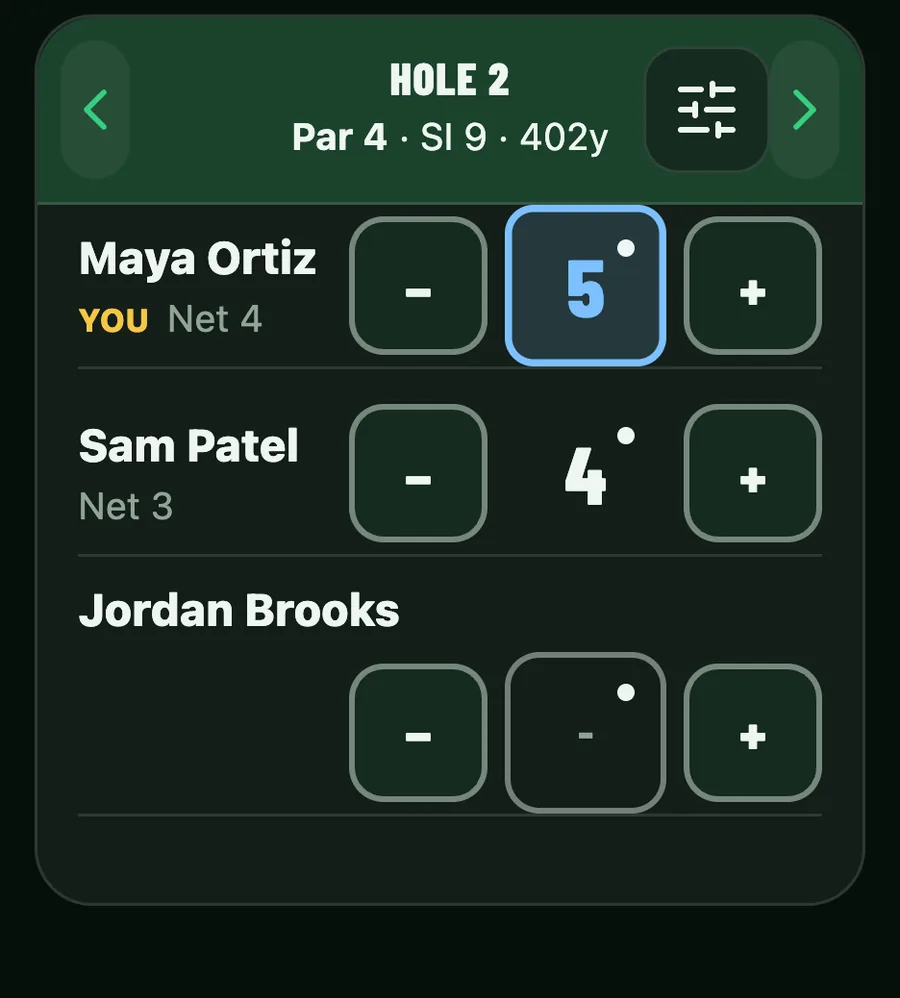
Step 4
Close and share
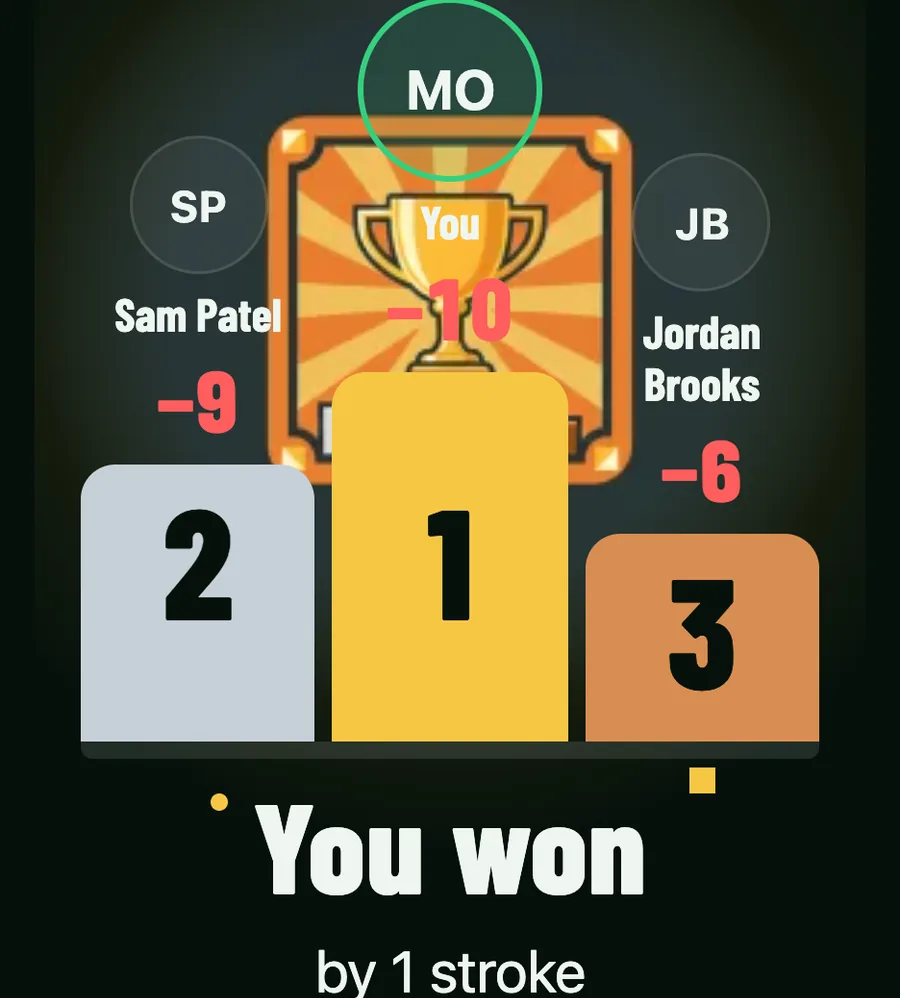
When the last score is in, close the round. Everyone sees the final leaderboard, ready to share or to play again.
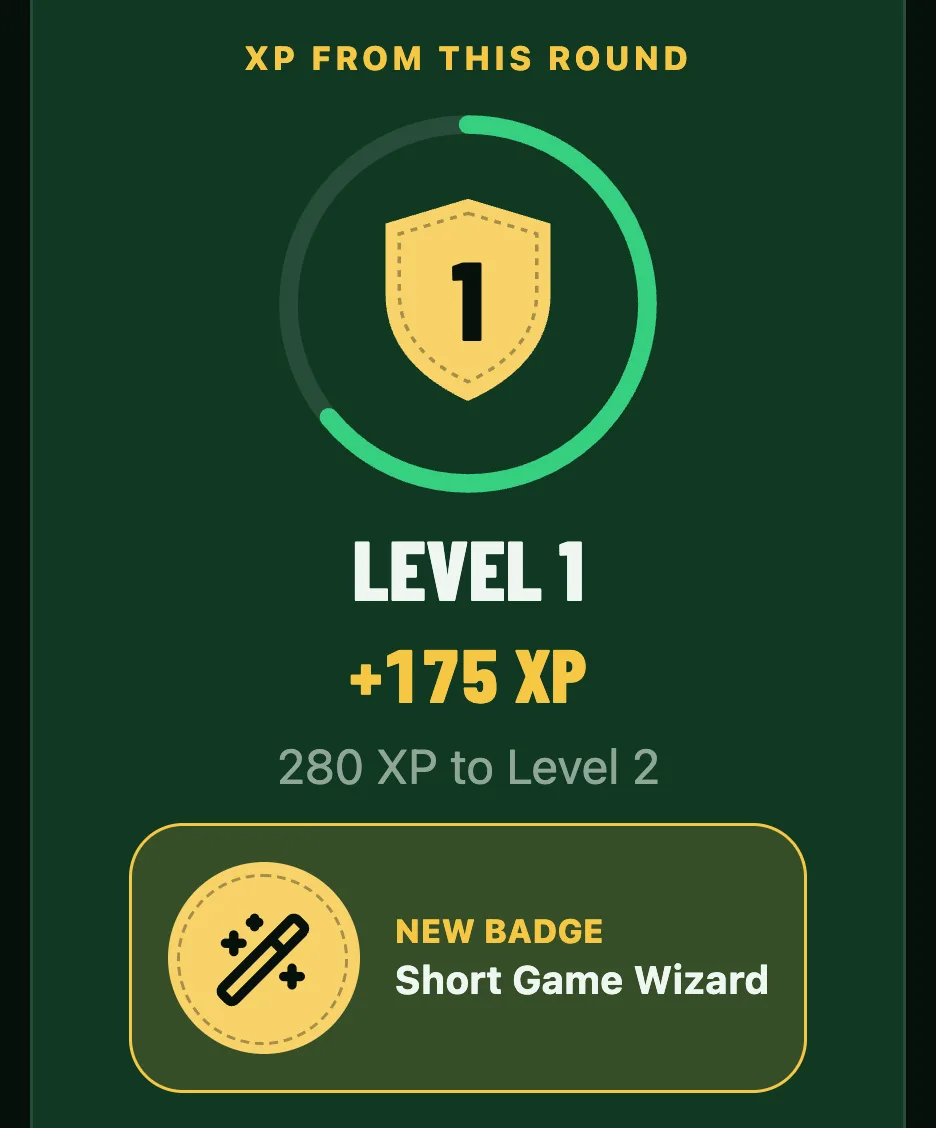
Level up
XP for every round you finish.
Climb the levels and keep a record against the people you play every week.
- Rounds you play against each other add to your record, which only the two of you can see.
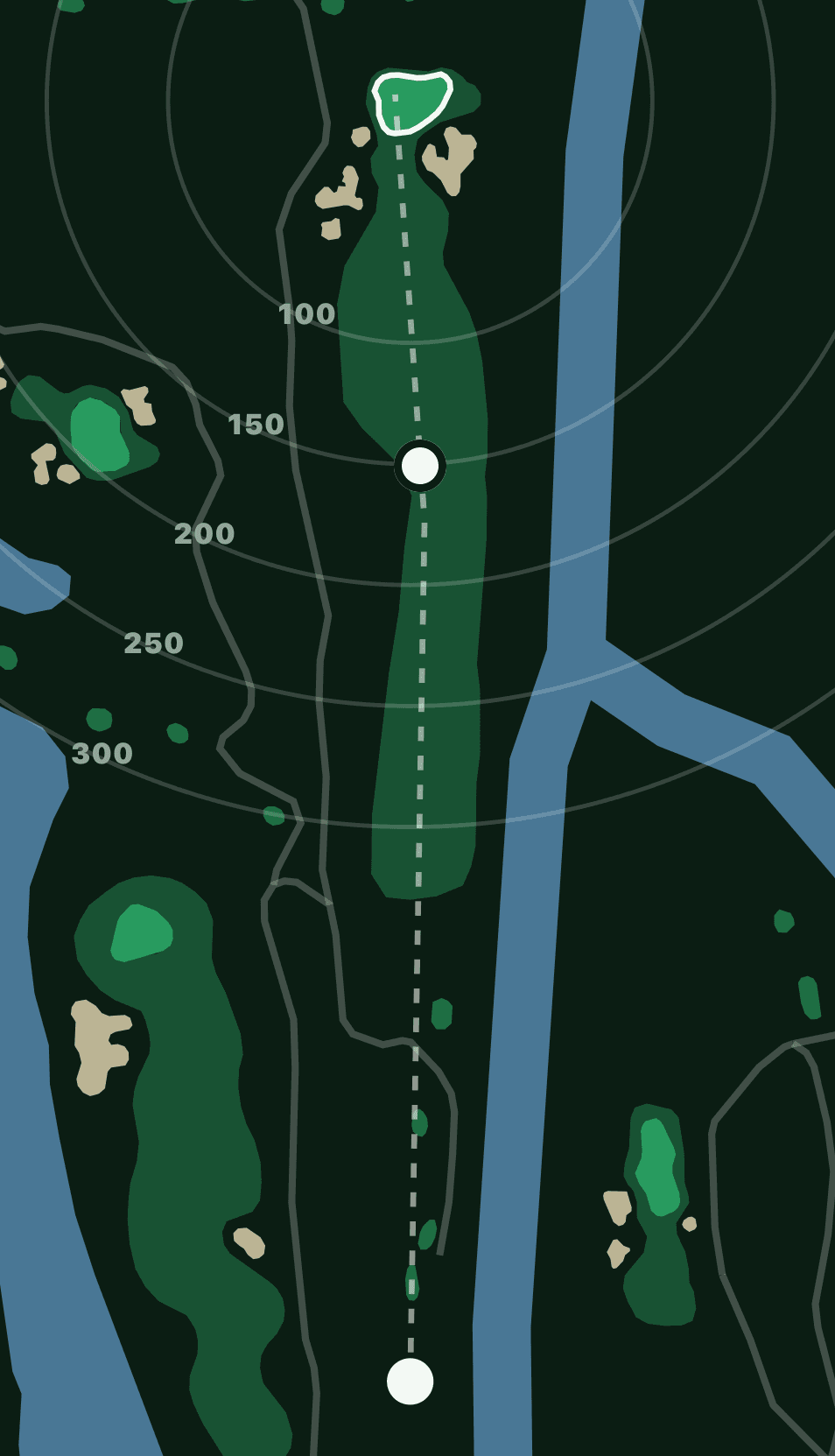
GPS and stats
Rings show how far to the green.
Yardages from where you stand, where the course has a map, and your stats after each round.
The price
Free at any size. A casual round gets every group game and side game, the live board and the recap. Pro is optional, and your first 3 Pro rounds are free.