
Step 1
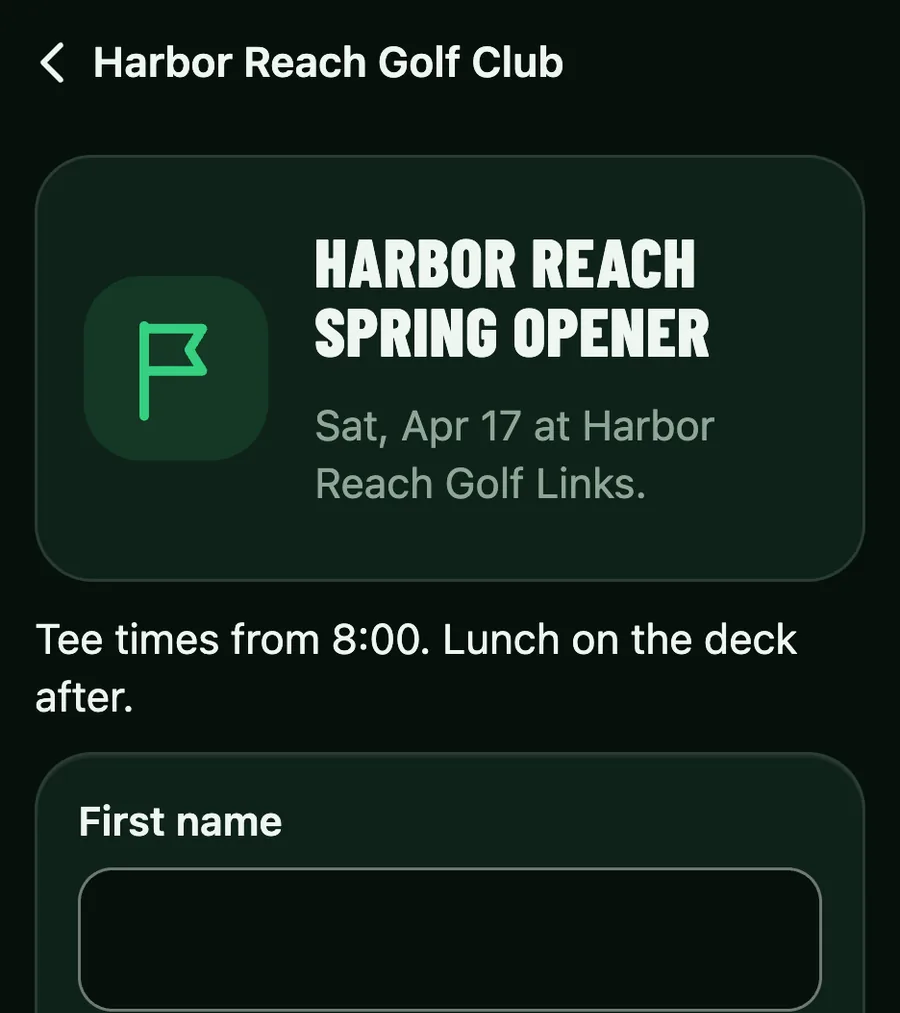
Invite the field
Share the outing's sign-up page. Each player gives a name and an email, and the roster shows who is in and who is waiting.
Step 2
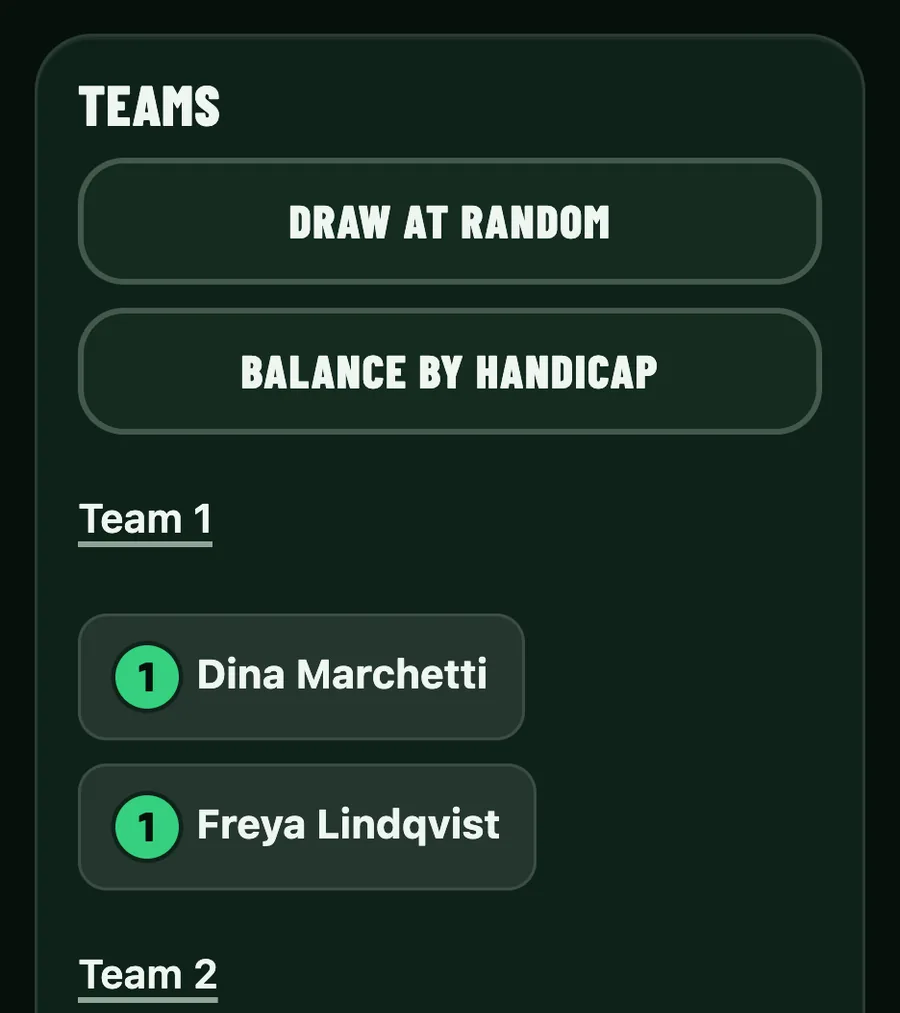
Set the teams
Place the roster, then tap Draw at random or Balance by handicap, or move a player yourself. A player's own link opens straight to their spot.
Step 3
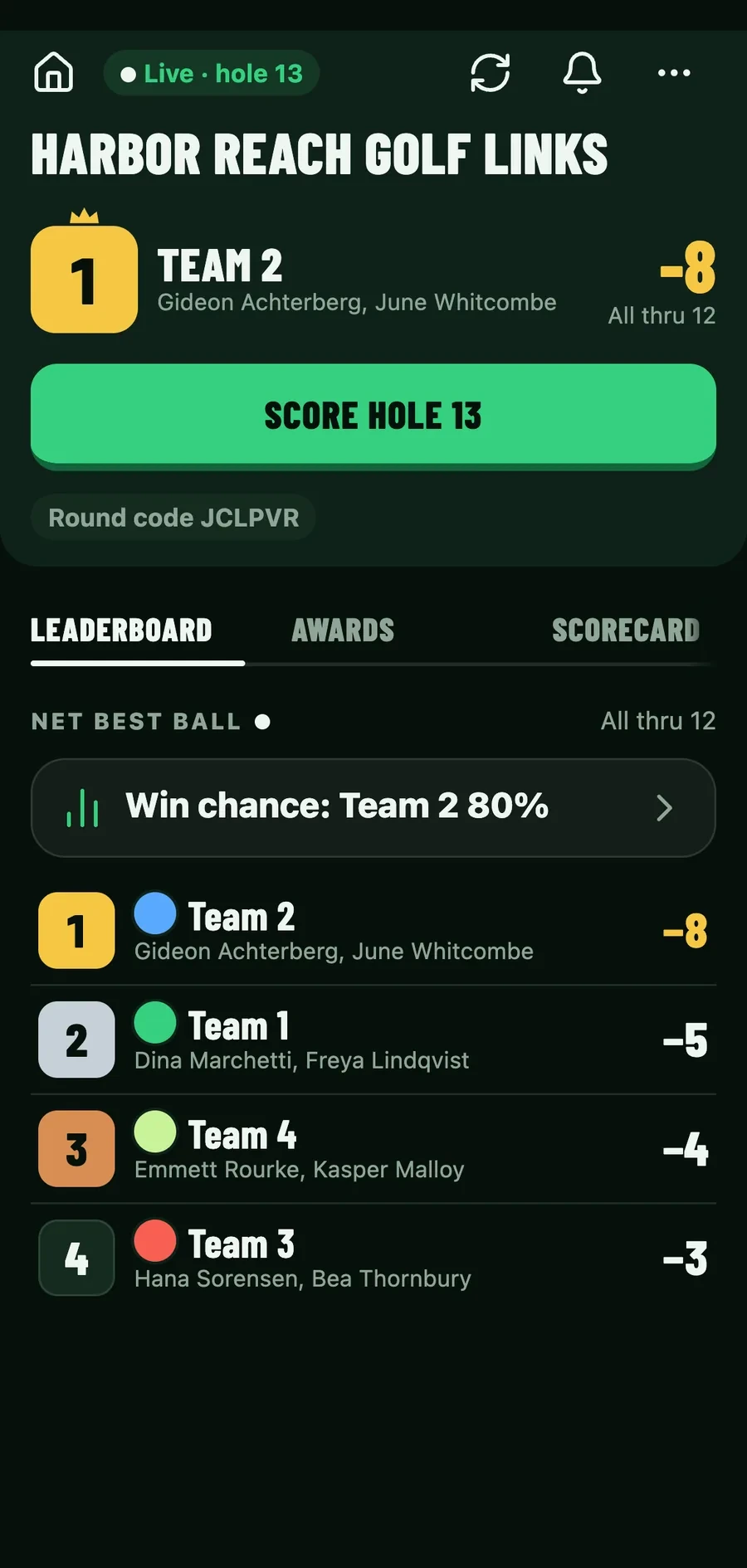
Put the leaderboard on the TV
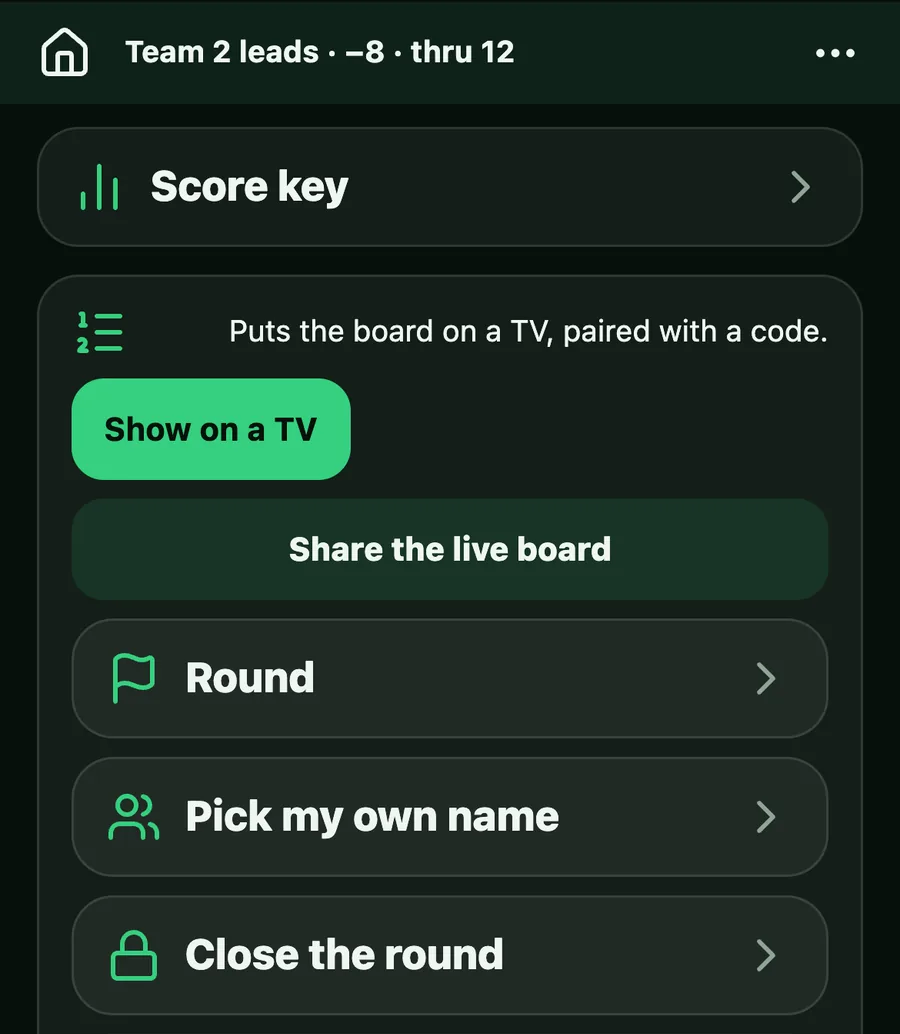
Open goodspeed.golf/tv on the clubhouse TV. In the round, tap More, then Show on a TV, and type the code it shows. The board follows every team live as the groups score, and it never takes a spot.
Step 4
Share the result
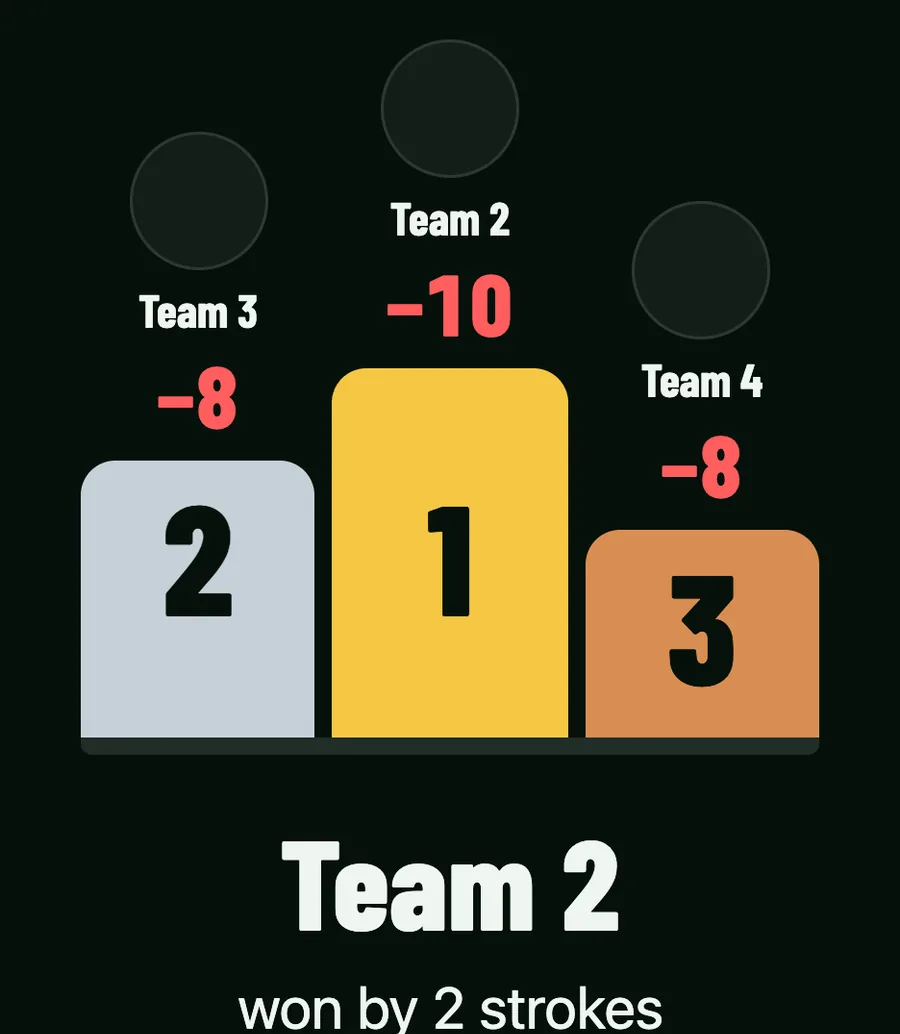
When you close the round, every player sees the result: the podium, how a tie was broken and their own place. Publish the recap for the full list.
Level up
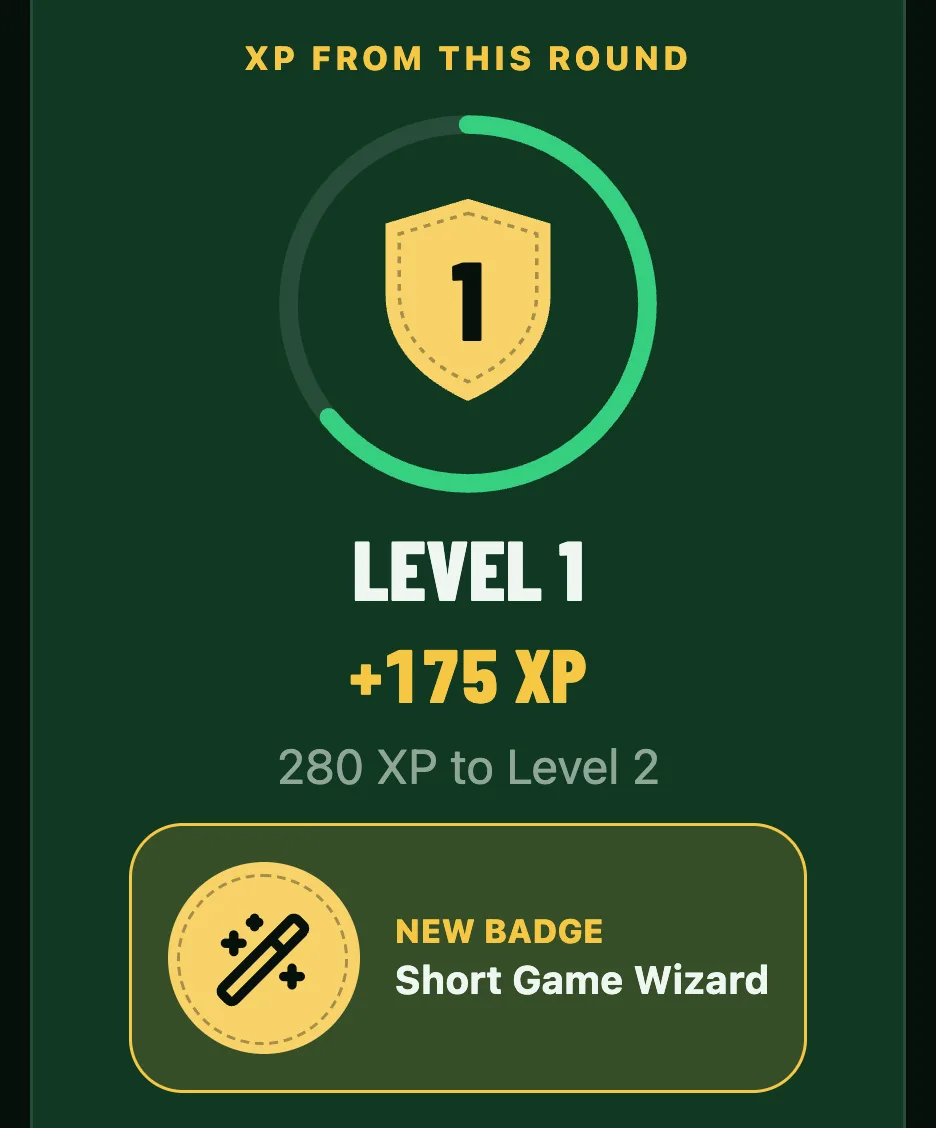
Levels and badges keep players coming back.
Climb the levels and keep a record against the people you play every week.
- Rounds you play against each other add to your record, which only the two of you can see.
GPS and stats
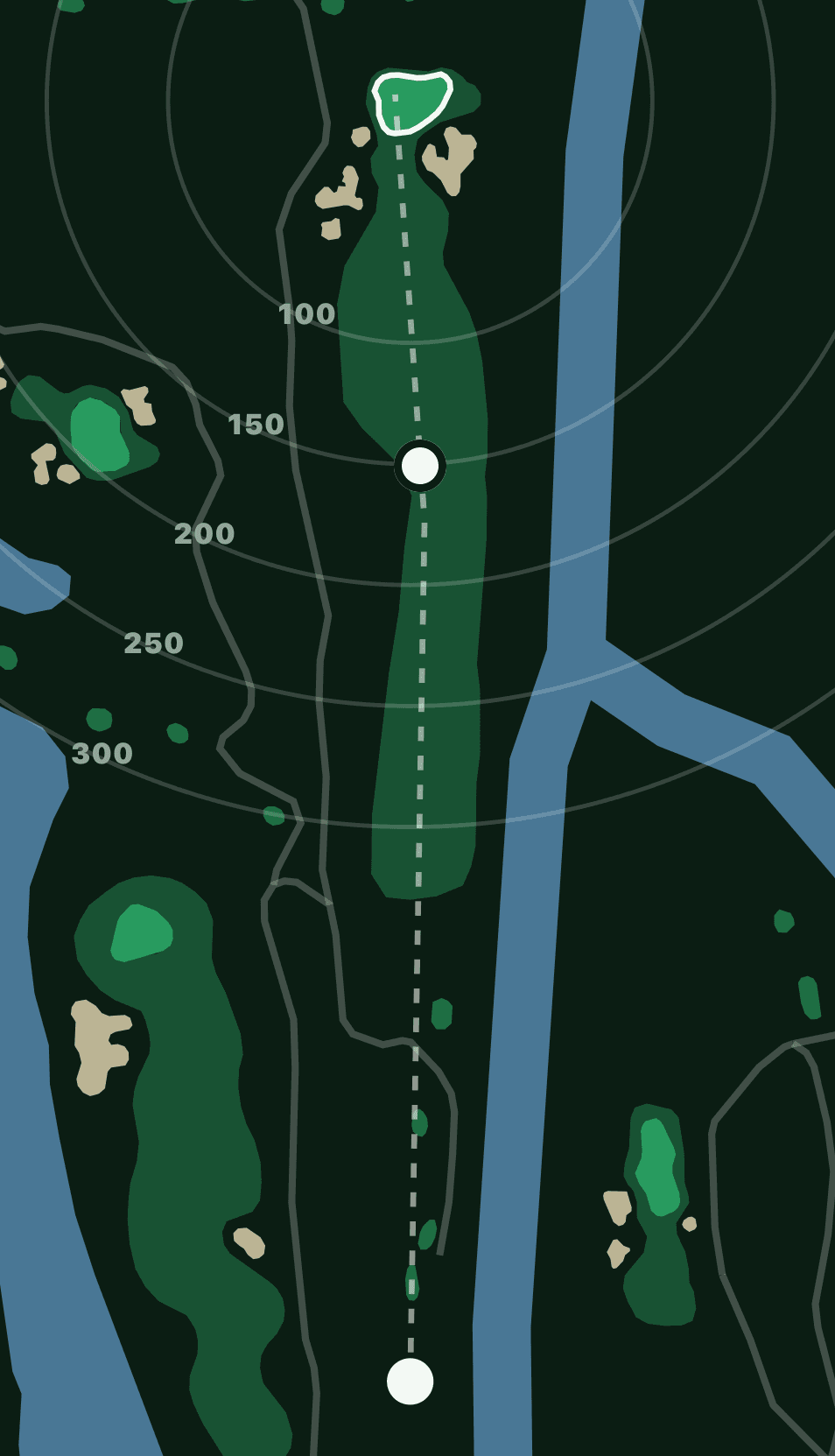
How far to the green on the outing's course.
Yardages from where you stand, where the course has a map, and your stats after each round.
The price
One credit per player per round, charged when a player's first score is recorded; a player with no score costs nothing. You pay. Your players pay nothing. When it is your first event, a trip or outing is free for every round played within 14 days of its first round. Entry fees are separate: we don't collect them. The organizer collects money however they already do.